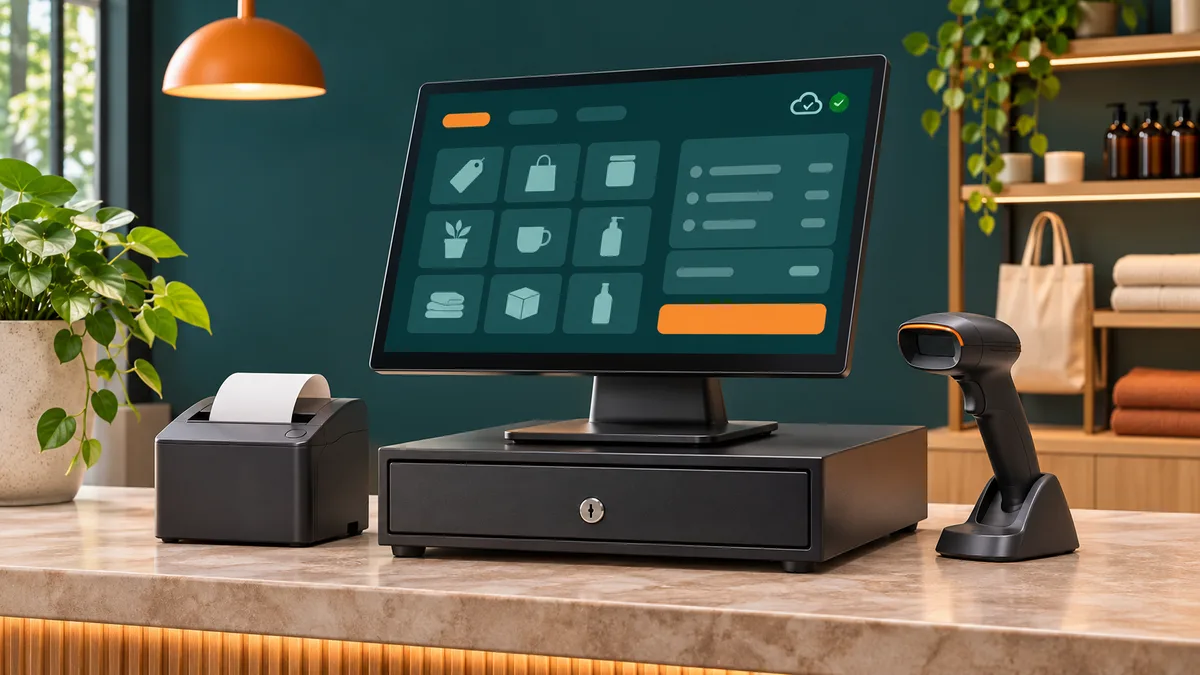
Sells offline
The internet can drop and the shop keeps working. Sales are sent by themselves when the connection returns.
Desktop POS
Install the Desktop POS on your counter PC. It sells without internet and sends every sale when you are back online.
Version 2.1.2 · 162 MB · released 22 Nov 2026
Anyone can download it. To make sales, you need a Sylloo business and its device code.
The internet can drop and the shop keeps working. Sales are sent by themselves when the connection returns.
Made for scanning, tapping and the keyboard, with a busy queue of customers in mind.
Cashiers work inside their limits, a manager steps in with a PIN, and every discount, price change and removal is recorded.
Made for scanning, tapping and the keyboard, with a busy queue of customers in mind.
Sizes, weights, boxes and serial numbers all work at the till.
Know who is buying, give them their price, and take money the way they want to pay.
Cashiers work freely inside their limits, and a manager steps in for the rest.
Know how much cash should be in the drawer at any moment.
Handle a return at the counter, with or without the receipt.
A receipt that looks like your shop, and a second screen for the shopper.
The internet can drop, and the shop keeps working.
Octopus AI
Ask about your business in plain words and let it do the typing, always under your own permissions.
Meet Octopus AISell fast at the counter, with or without internet.
More on Point of saleKnow what you have in every branch.
More on InventoryBooks, VAT and reports without the headache.
More on AccountsQuotes, orders, invoices and payments.
More on Orders & invoicesEvery branch has its own stock, cash and staff. You see them all together, and move stock between them in a few taps.
“The internet went down on the busiest evening of the year, and we kept selling.”
Sylloo POS by Sylloo System Ltd, Finland.
Sylloo POS by Sylloo System Ltd, Finland.
Sylloo POS by Sylloo System Ltd, Finland.
Tills on 2.0.0 update on their own. Nothing needs to be done at the shop.
Selling
Customers
Shifts and cash
Restaurants
Safety and sync
Install it on your counter PC, then open Business › Devices in Sylloo and show your code.
Send us your products, customers and balances. We help you move them in, so you start with your own data.