
You ask
Say what you need in plain words, the way you would ask a colleague.
AI-powered business management
Ask Octopus AI about your sales, stock, purchases or accounts. It finds the answer and prepares the work. You check it, and big changes wait for your approval.
Free to practise. No card needed.
No menus to learn. Say what you need and check the result.
Say what you need in plain words, the way you would ask a colleague.
It reads your records and reports, or prepares the work, under your own permissions.
You check the result. Deletes and big changes wait for your yes.
Octopus AI · Powered by Sylloo
Ask about sales, stock, purchases, accounts or your website. Octopus AI finds the answer or prepares the work using only what you are allowed to access.
Who still owes you, what sold best, how today compares with last week.
What is running low and what moves fastest, branch by branch.
Take a photo of a supplier bill. Octopus fills in the purchase for you to check.
Ledgers, profit and loss and the balance sheet whenever you ask.
Change the sections and the look of your online store in words.
Bring in products or customers from a spreadsheet, checked before anything is saved.
A few questions about your trade, and the business is set up to match.
Short steps from Sylloo’s help. If the help has no answer, it says so.
Pick your business type. Many trades start with ready settings, words and reports.
Choose your kind of business
Sell by scale label or barcode, see low stock before the shelf is empty, and know if the cash matches. Octopus AI helps with the typing.
More on Grocery & supermarketSylloo warns you 60 days before a medicine expires and sells the batch that expires first. Octopus AI reads your supplier bills so staff type less.
More on PharmacyKeep one item with all its sizes and colours, each with its own stock and barcode. Exchanges fit on one receipt, and your online shop reads the same stock.
More on Fashion & clothingRecord waste and staff meals with a reason, keep ingredients as stock, and see every table at a glance. Open, move and merge tables, also with no internet.
More on RestaurantTap best sellers from quick keys, sell each drink by size, and close the shift with a clear report.
More on CaféPatients book a free time with a doctor online and get a reminder. At the clinic, check-in gives them a number on the waiting-room screen. Each visit becomes a bill in one step.
More on Clinic & diagnosticClients book a stylist online, a haircut and a shampoo go on one sale, and you know your cash at the end of each shift.
More on Salon & spaFee plans make the bills, reminders go out, full sections refuse one more student, and you see who still owes. Teachers and payroll sit in the same place.
More on School & coachingElectronics & mobile, Wholesale & distribution, Multi-branch retail, Online store, Quick service, Bar…
See all 22 business typesStart with the tools you need now. Add more later without moving your data.
Sell fast at the counter, with or without internet.
More on Point of saleKnow what you have in every branch.
More on InventoryBooks, VAT and reports without the headache.
More on AccountsYour own site and shop, linked to your stock.
More on Website & online storeAppointments, rooms and queues online.
More on BookingAdd more tools when you need them.
More on MarketplaceEvery new business starts in Practice mode. Try sales, stock and invoices with no risk, then switch to Live with one click.
One business code activates each device. Your plan controls how many devices can connect.
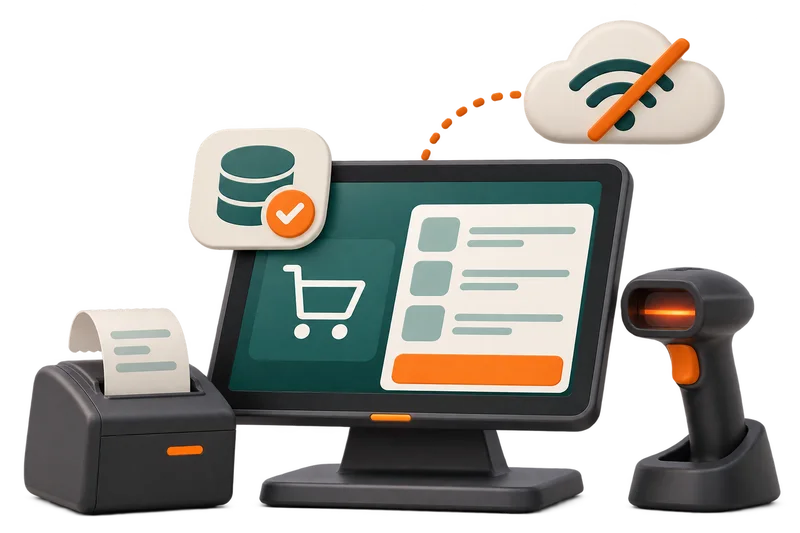
The till for your counter. It keeps selling without internet and sends the sales when you are back online.
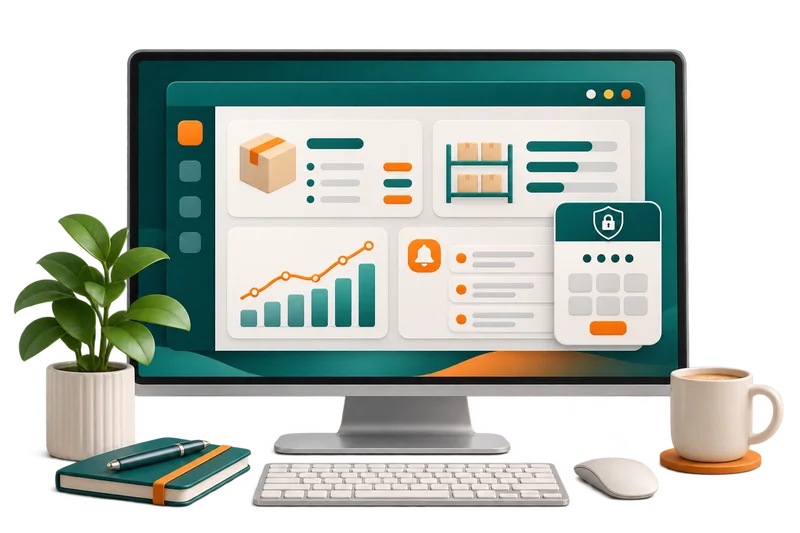
Open orders, stock, reports and notices in a focused Windows app. Staff sign in quickly with their PIN.
Download Desktop App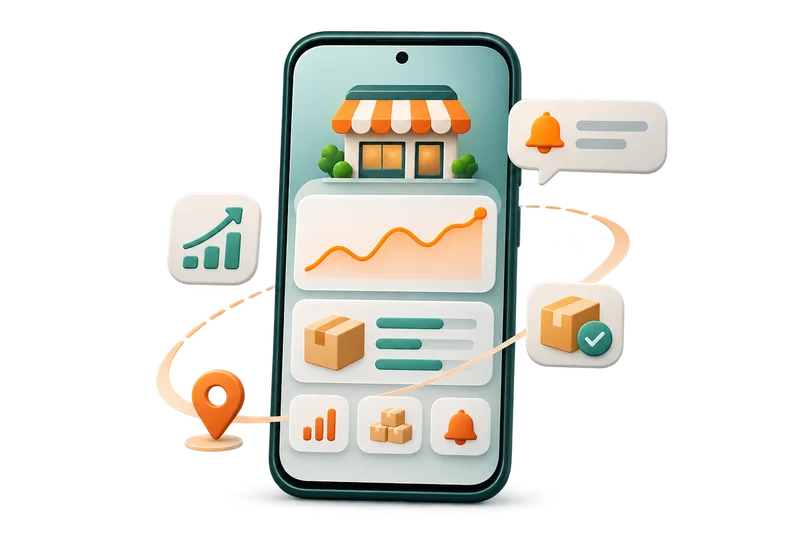
For staff and employees on an Android phone. Staff check the business and handle everyday work; employees punch in and out, and punches work offline.
Download Mobile AppHow many devices you can use depends on your plan.
Example stories show what Sylloo can do. Real customer stories come soon.
“We used to check the cash against a notebook every night. Now the closing report shows if we are short or over.”
“Sylloo shows us which batches expire soon, so we can sell or return them in time.”
“We finally see what we throw away, and why.”
“Patients book from their phone and the queue screen does the rest.”
“The haircut and the shampoo go on one sale, and we see what is running low.”
“Parents get a reminder before the due date, so we chase less.”
Real people help you in English and Bangla.
Write to us in English or Bangla.
Short guides for every screen.
Paid plans get a call to set you up.
Start in Practice mode, set up your business and go Live when you are ready.